Languages and currency
Vaizy supports international teams without pretending every locale is fully done before it is.
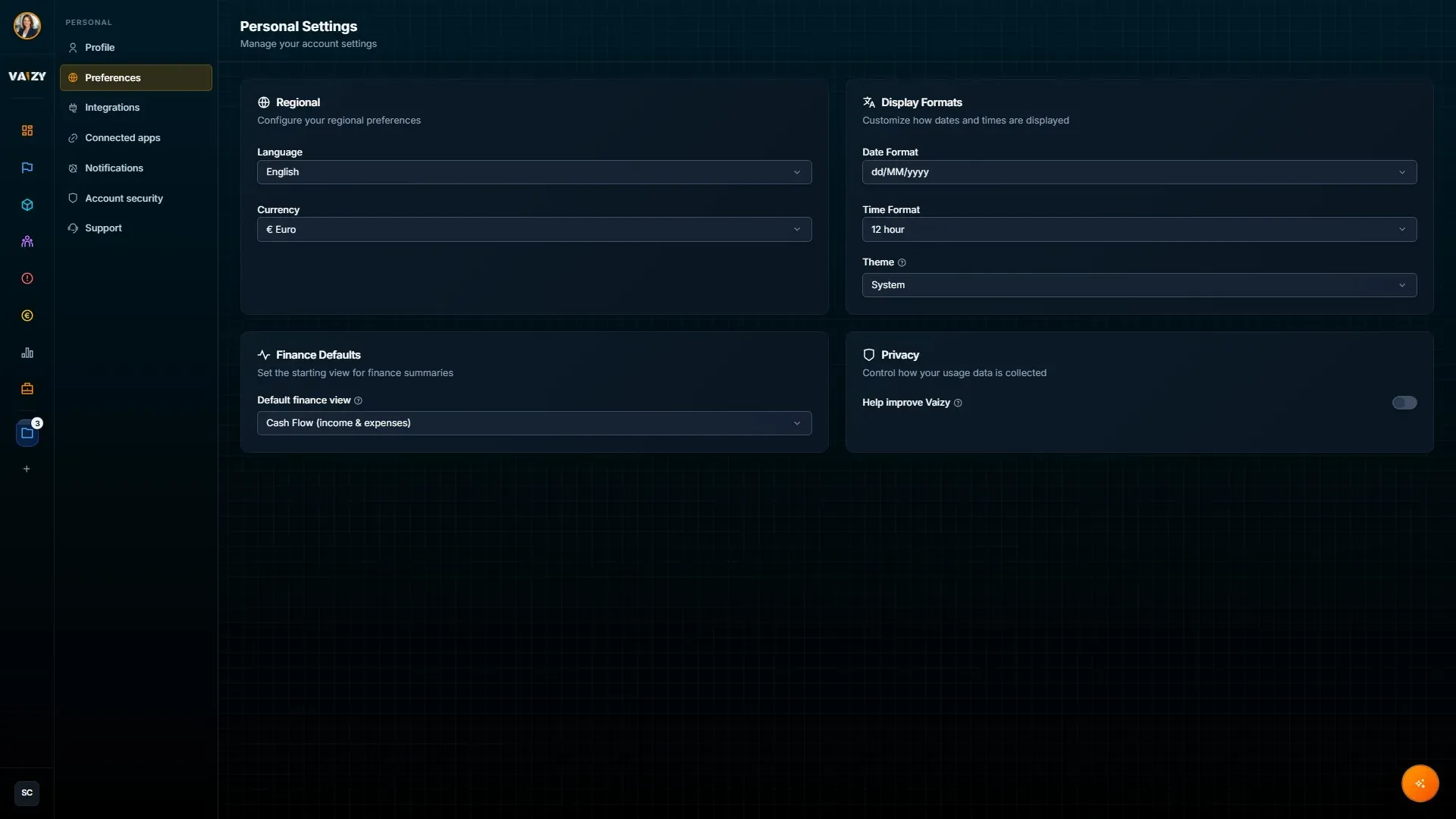
Shipped languages
These languages are currently shipped:
English
Spanish
French
Dutch
Additional locales are scaffolded and in progress. They are not considered complete until the translation strings are finished and reviewed.
Change language
Open Settings > Preferences and use the language control.
Date and number formatting follows the selected locale.
Examples:
English: December 31, 2025 / 1,234.56
Spanish: 31 de diciembre de 2025 / 1.234,56
dd/MM/yyyy is the default date format across onboarding, settings, and import templates. If a date in an imported file is ambiguous, Vaizy uses your profile's date format to interpret it correctly.
Currency display
Vaizy supports currency symbols for project budgets and financial tracking, including EUR, USD, GBP, CAD, AUD, and CHF.
When a transaction uses a different currency from the project default, the amount column can show:
The transaction currency as the primary value.
A converted equivalent underneath for quick comparison.
Current limitation
Live real-time exchange-rate conversion is not yet available. Conversion display uses a static rate reference.
Use the dual-currency display for visibility. For formal exchange-rate treatment, use the finance source of truth until live conversion ships. See Finances for how dual-currency transactions display.
Was this helpful?
Still need help? Ask the team