Collaboration and permissions
Collaboration in Vaizy is built around explicit access. The product assumes project data matters: delivery status, budgets, risks, team costs, and client work should not leak because a link was clicked too early.
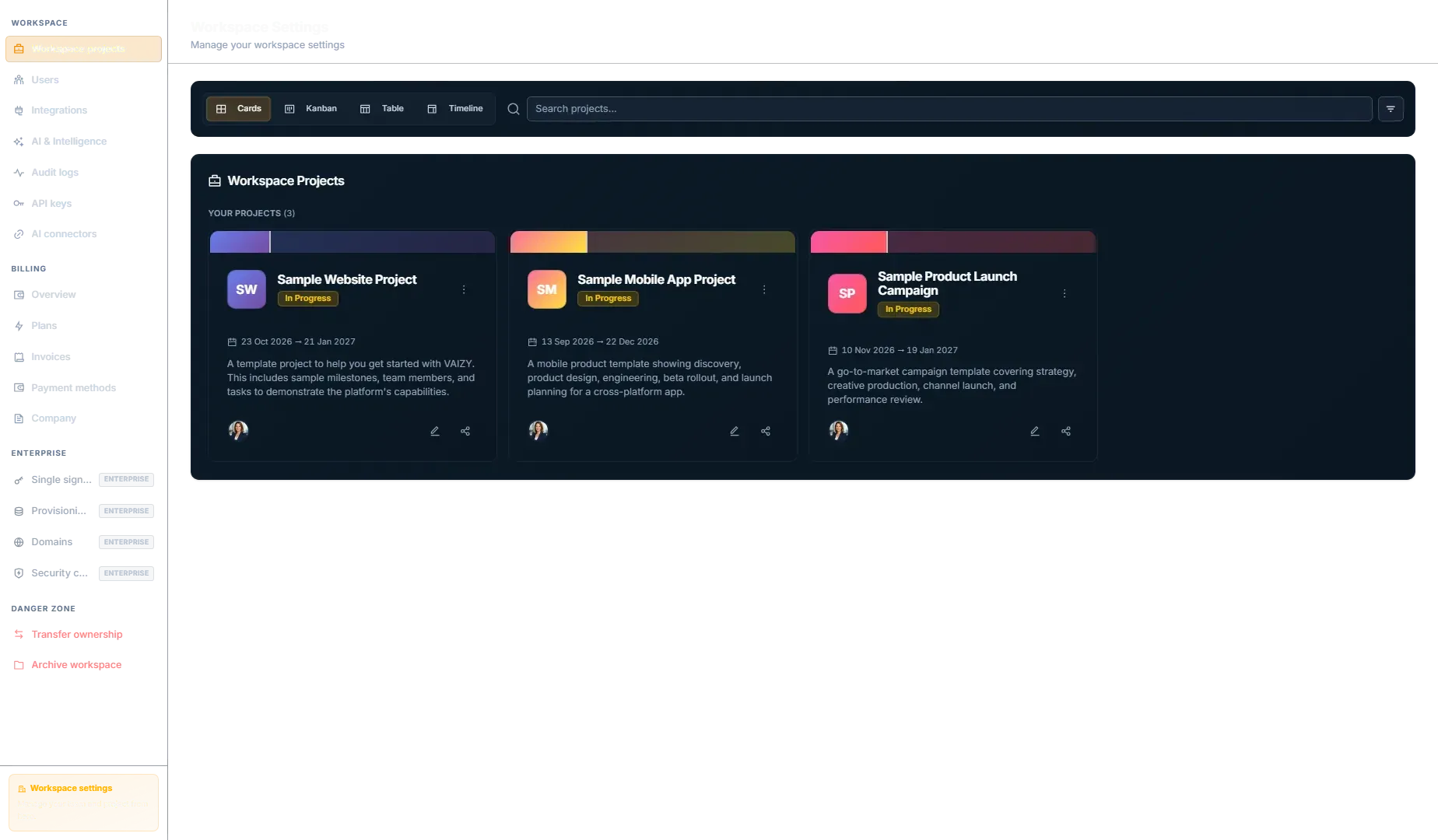
Project sharing
Invite collaborators from a project share dialog. Each collaborator's avatar shows in the dialog, including people who haven't accepted their invite yet. The flow is pending first:
Accepted editor and admin collaborators can update shared project work on projects they can edit, and accepted admin collaborators can invite new collaborators, change roles, and remove shares.
- The owner sends an invite.
- Vaizy creates a pending share.
- The invitee receives an email.
- The invitee signs in and accepts or declines.
- Access starts only after acceptance.
Pending invitations grant zero access.
Viewers and editors
Sharing a project with someone outside your workspace is free when they view it. Viewers can open milestones and deliverables read-only and post remarks, so clients and stakeholders can follow along and comment without costing you anything.
Editing takes a paid member seat. When you invite someone by email as Editor, or approve a viewer's "Ask for edit access" request, Vaizy shows you the cost before you confirm: one member seat per person, however many of your projects they edit. People on your workspace's verified domains are invited as members instead.
You'll find your paid external editors in the External tab of Settings > Users. Make someone a viewer again there to free their seat. Edit-access requests reach you by email, Slack and Teams, and you can turn each of those off in Settings > Notifications.
Projects shared with you
When someone from another workspace shares a project with you, it lives in their workspace. Open the workspace switcher and look under Shared with you: there you see only the projects shared with you, as a guest, at no cost. From your own workspace, Settings > Projects also lists them under Shared with you, with a button to open each one.
Roles and finance visibility
See Workspaces and roles for the full role list. Role-based access controls what someone can do in the project.
Finance visibility controls whether they can see project finances.
Those are separate controls. A collaborator can edit delivery work without seeing income, expenses, salaries, consultant billing, or project budget context.
Collaborator finance rules
- Project owners always see finances.
- Finance-authorized collaborators see project finance rows.
- Collaborators without finance visibility do not see finances.
- Consultant personal billing income stays private to the linked member account.
Member Mode
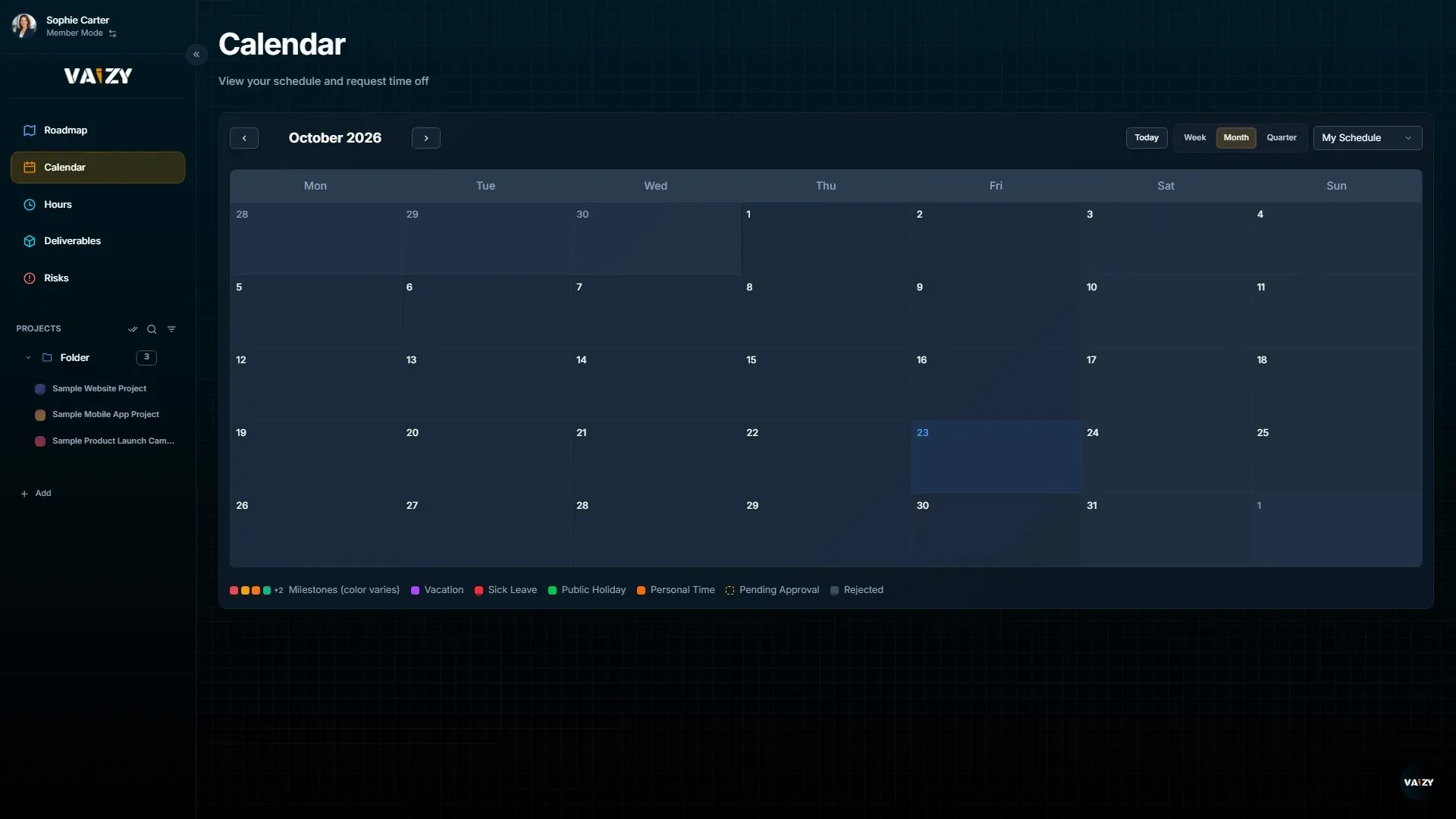
Members can switch into a focused contributor workspace. They see assigned projects, roadmap, calendar, and hours. They do not see the full management surface. See Team and Member Mode for how members are invited and managed.
Real-time updates
Vaizy uses real-time updates so changes made by one collaborator appear for others without a page refresh. This keeps status reviews from turning into "refresh and check again" work.
Risks and Milestones also show an avatar stack of other users currently viewing the same project, so you can see who else is looking at the same data right now.
Change history
Every project keeps a record of who changed what. Click the Activity button on Milestones, Risks, Deliverables, or Finances, or open a milestone, risk, or deliverable and switch to its Activity tab. If you've selected projects whose history you don't have access to, the panel tells you which ones instead of hiding.
Project sharing changes are also recorded in the workspace audit log. See Security and privacy.
Was this helpful?
Still need help? Ask the team